Think Notion energy — from a slightly different angle.
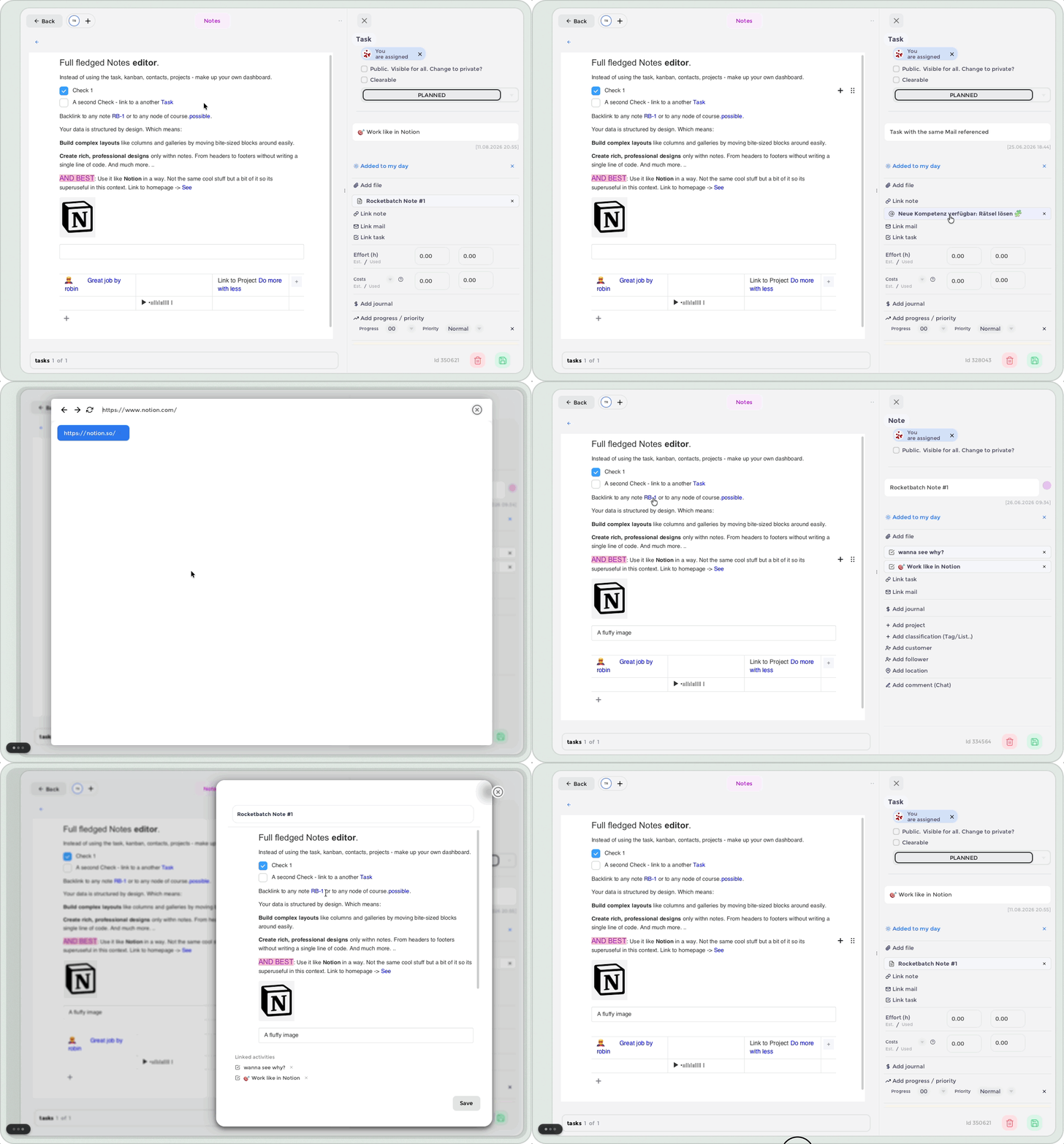
Our integrated Notes editor is built for turning loose thoughts, useful links, and “I should remember this later” moments into something that actually helps you move forward. Make a quick note, build a proper knowledge hub, or create a beautifully over-organised rabbit hole. We support all three.
Start with your own rhythm
There is no single correct way to take notes. Start simple, then shape the page around how you think:
- Set the scene – give your note a title and a short intro, so future-you knows what was going on.
- Break it up – add headings to separate ideas, tasks, research, and brilliant side quests.
- Make it visual – use images, quotes, and callouts when plain text is simply not bringing the vibe.
- Keep it flexible – move, expand, and refine as your thoughts evolve.
The goal is not perfect documentation. The goal is getting ideas out of your head before they disappear into the void.
Notes within tasks. Within mails. Within notes?
This is where it gets interesting.
Reference anything from anywhere, right inside your notes. Connect a thought to another note, add useful context, and create a path through your knowledge that makes sense to you — even if that path begins with “quick idea” or email and ends three levels deep in a very specific discovery.
No more hunting through tabs, folders, and messages that start with “just a reminder.” Your information can stay connected, easy to find, and ready when you need it.
Make knowledge work for you
Notes are not just a place to store information. They are a space to build on it.
By connecting notes with the rest of the platform, you can add context to your work, keep important details close, and turn scattered information into something useful. Less “where did I put that?” More “oh, it is already here.”
And this is only the beginning. More ways to organise, connect, and build with your knowledge are on the way.